In today’s digital world, AI-generated content is everywhere. Tools like ChatGPT, Jasper, and other AI writers are helping people create articles, emails, and assignments in seconds. But this also raises an important question:
How can you tell if content is written by a human or AI?
This is where ZeroGPT AI detector comes in.
Whether you’re a teacher, blogger, freelancer, or business owner, detecting AI-generated content is becoming more important than ever. In this detailed guide, you will learn everything about ZeroGPT — how it works, its features, pros and cons, and whether it’s worth using.
What is ZeroGPT AI Detector?
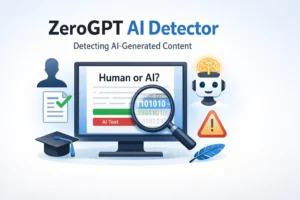
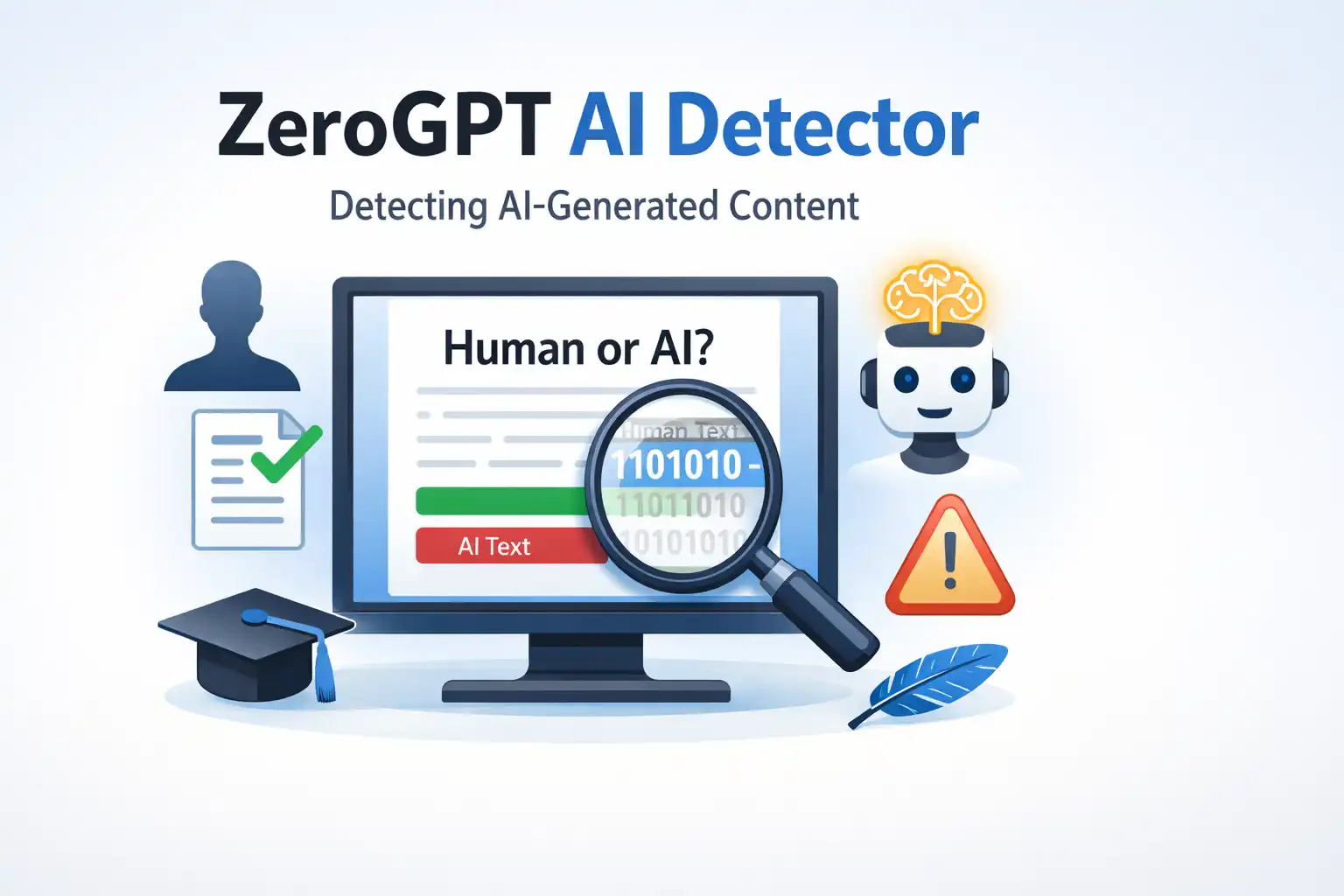
ZeroGPT AI detector is an online tool designed to identify whether a piece of content is written by AI or a human.
It analyzes text and predicts the likelihood of it being generated by AI models like ChatGPT, GPT-4, or similar systems.
Simple Explanation:
Think of it as a “lie detector” for content.
You paste your text into the tool, and it tells you:
- AI-generated percentage
- Human-written probability
- Highlighted AI sentences
Who Uses It?
ZeroGPT is useful for:
- Teachers checking student assignments
- Content writers verifying originality
- Website owners ensuring human-quality content
- Employers reviewing job submissions
Features of ZeroGPT AI Detector
ZeroGPT offers several useful features that make it popular among users.
1. AI Detection Accuracy
It uses advanced algorithms to detect AI patterns in text. It looks at:
- Sentence structure
- Predictability
- Language patterns
2. Highlighted AI Content
It highlights parts of text that are likely AI-generated. This helps you quickly find suspicious areas.
3. Percentage Score
You get a score like:
- 85% AI-written
- 15% human-written
This makes the result easy to understand.
4. Multi-Language Support
ZeroGPT can analyze content in different languages, not just English.
5. Free to Use
The basic version is free, which is great for beginners.
6. API Access
Developers can integrate ZeroGPT into their own apps or websites.
7. File Upload Support
You can upload files (like PDF or Word documents) instead of pasting text.
How to Use ZeroGPT AI Detector
Using ZeroGPT is very simple. You don’t need any technical skills.
Step-by-Step Guide:
- Go to the ZeroGPT website
- Copy your text
- Paste it into the input box
- Click the “Detect Text” button
- View the results
Example:
If you paste an article written by AI, the tool might show:
- 90% AI-generated
- Highlighted sentences
If the content is human-written, the score will be lower.
Pro Tip:
Always check multiple times. AI detection tools are not 100% accurate.
Best Alternatives of ZeroGPT AI Detector
ZeroGPT is good, but it’s not the only option. Here are some popular alternatives:
1. GPTZero
- Designed for educators
- Simple interface
- Good for essays
2. Originality.ai
- Best for website owners
- Also includes plagiarism checker
- Paid tool
3. Writer AI Detector
- Easy to use
- Fast results
- Limited features
4. Copyleaks AI Detector
- High accuracy
- Supports many languages
- Trusted by institutions
5. Sapling AI Detector
- Good for short text
- Simple design
Which One is Best?
- For free use → ZeroGPT
- For professionals → Originality.ai
- For schools → GPTZero
Pros and Cons
Pros
- Easy to use
- Free version available
- Fast results
- Highlights AI content
- Good for beginners
Cons
- Not 100% accurate
- Can give false results
- Limited features in free plan
- Sometimes mislabels human content
Important Insight:
No AI detector is perfect.
Even the best tools can:
- Mark human content as AI
- Miss AI-generated text
So always use your judgment.
Is ZeroGPT Free or Paid?
Free Version
Yes, ZeroGPT offers a free version.
You can:
- Check basic text
- Get AI percentage
- Use limited features
Paid Version
For advanced features, you may need a paid plan.
Paid features may include:
- Higher word limit
- API access
- Bulk checking
- Faster processing
Should You Pay?
If you:
- Run a website
- Manage content teams
- Check large documents
Then paid plans can be useful.
Otherwise, free version is enough for casual use.
FAQs About ZeroGPT AI Detector
1. Is ZeroGPT accurate?
ZeroGPT is reasonably accurate, but not perfect. It can sometimes give false positives or negatives.
2. Can ZeroGPT detect ChatGPT content?
Yes, it is designed to detect AI content from tools like ChatGPT and similar models.
3. Is ZeroGPT safe to use?
Yes, it is generally safe. However, avoid uploading sensitive or confidential data.
4. Can teachers rely on ZeroGPT?
Teachers can use it as a guide, but should not rely on it completely. Always review content manually.
5. Does ZeroGPT detect paraphrased AI content?
Sometimes yes, but heavily edited or paraphrased content can bypass detection.
Expert Tips for Better AI Detection
Here are some real-world tips based on experience:
1. Use Multiple Tools
Don’t rely on just one detector. Use 2–3 tools for better accuracy.
2. Check Writing Style
AI content often:
- Sounds too perfect
- Lacks personal experience
- Repeats ideas
3. Look for Human Touch
Human writing includes:
- Emotions
- Opinions
- Real-life examples
4. Edit AI Content
If you’re using AI, always:
- Rewrite sentences
- Add personal insights
- Change structure
This improves quality and reduces detection.
Conclusion
ZeroGPT AI detector is a useful tool for identifying AI-generated content. It is simple, fast, and beginner-friendly.
However, it is not perfect.
You should always:
- Use it as a guide
- Combine it with human judgment
- Cross-check results
As AI continues to grow, tools like ZeroGPT will become even more important. Whether you’re a student, teacher, or content creator, understanding AI detection is now a valuable skill.

Anderson is a skilled content writer focused on explaining modern text slang and digital communication trends. He creates clear, friendly content that helps readers understand online language quickly and confidently.